

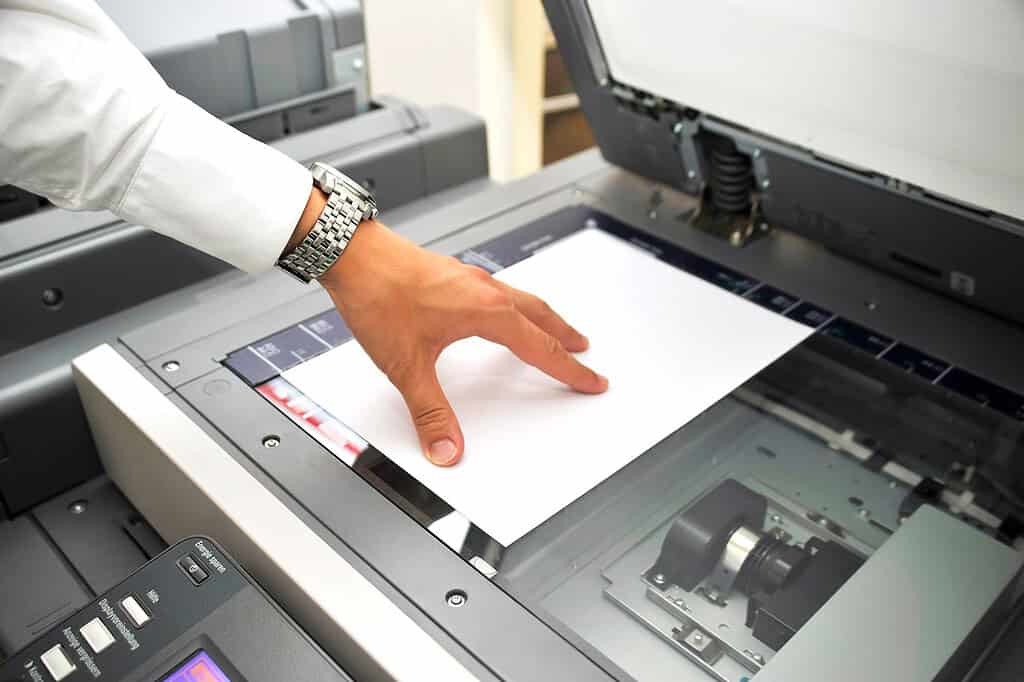
In today’s fast-paced world, managing paperwork can feel like an endless chore. Whether you’re drowning in contracts, invoices, or archived files, physical documents take up space, time, and energy. A scanning documents service offers a solution that not only declutters but also transforms the way you manage your documents, enhancing your overall workflow.
In this blog, we’ll explore how scanning services can make a significant difference to your operations, saving you time, money, and stress.
Why Choose a Scanning Documents Service?
Traditional document management often involves stacks of paper, cumbersome filing cabinets, and countless hours spent searching for files. Digitisation offers a smarter alternative. With a scanning documents service, you can:
- Convert paper documents into digital files.
- Create searchable PDFs with Optical Character Recognition (OCR).
- Access your documents anytime, anywhere.
Key Ways Scanning Services Revolutionise Your Workflow
-
Save Time with Quick Document Retrieval
With physical files, finding the right document can take minutes—or even hours. Digital documents, on the other hand, can be retrieved in seconds using keywords or tags. Scanning services with OCR technology ensure that every word in your documents becomes searchable, saving valuable time.
-
Improve Organisation
A well-organised digital filing system means no more messy desks or overflowing filing cabinets. Your files are stored systematically, making them easy to access and reducing the risk of loss or misplacement.
-
Enhance Collaboration
Digital documents are easy to share. Whether you’re working with colleagues in the office or remotely, digitised files can be emailed, uploaded to cloud services, or integrated into project management tools, enabling seamless collaboration.
-
Boost Security
Protecting sensitive information is crucial. Digitised files can be encrypted, password-protected, and backed up to ensure data remains secure, even in the event of a disaster.
-
Create a Paperless Environment
Going paperless not only saves space but also aligns with eco-friendly initiatives. A scanning documents service helps you reduce paper consumption and create a more sustainable office environment.
Features to Look for in a Scanning Documents Service
-
High-Quality Scanning
Ensure your provider uses high-resolution scanners to capture clear and legible images of your documents.
-
OCR Technology
OCR allows your scanned documents to be searchable, making it easier to find specific information within a file.
-
Secure Storage Options
Choose a service that offers secure digital storage solutions, such as encrypted drives or cloud storage.
-
Bulk Scanning Capability
For large organisations, the ability to scan bulk documents quickly is essential.
-
Custom File Formats
Your provider should offer multiple file format options, such as PDF, TIFF, or JPEG, depending on your needs.
Steps to Get Started with a Scanning Documents Service
Step 1: Assess Your Needs
Evaluate the type and volume of documents you need to scan and how often you’ll need the service.
Step 2: Select a Reliable Provider
Look for a trusted provider with excellent reviews, like Plan2Scan, that offers tailored solutions.
Step 3: Prepare Your Documents
Organise your files and remove any staples, clips, or other obstacles to smooth scanning.
Step 4: Digitise Your Files
Work with your provider to scan and digitise your documents. Ensure they’re stored in a well-organised digital filing system.
A scanning documents service is more than just a convenience—it’s a game-changer for modern businesses. From improving organisation to enhancing collaboration and security, digitising your documents streamlines operations and boosts productivity. Ready to transform your workflow with our ISO 9001 certified services? Contact us at 0333 577 3226 or info@plan2scan.co.uk, or visit our scanning services page to learn more.
Frequently Asked Questions
Q1: Can a scanning documents service handle confidential files?
A1: Yes, professional services have strict confidentiality measures, including secure handling and encrypted storage.
Q2: What’s the difference between a basic scan and an OCR-enabled scan?
A2: A basic scan captures an image of your document, while OCR-enabled scanning converts the text into a searchable and editable format.
Q3: How much does a scanning documents service cost?
A3: Costs vary depending on the volume and complexity of the project. It’s best to request a tailored quote from your provider.


